Photo book gifts give family and friends a whole story to flip through. Start with the person who will open the book, then build a small collection of pictures around something you share.
That could be a year with the grandkids, the trip with all the wrong turns, or a friend's senior year. These photo book gift ideas help you choose a direction, plan the pages, and check the finished book before you order it for Christmas.
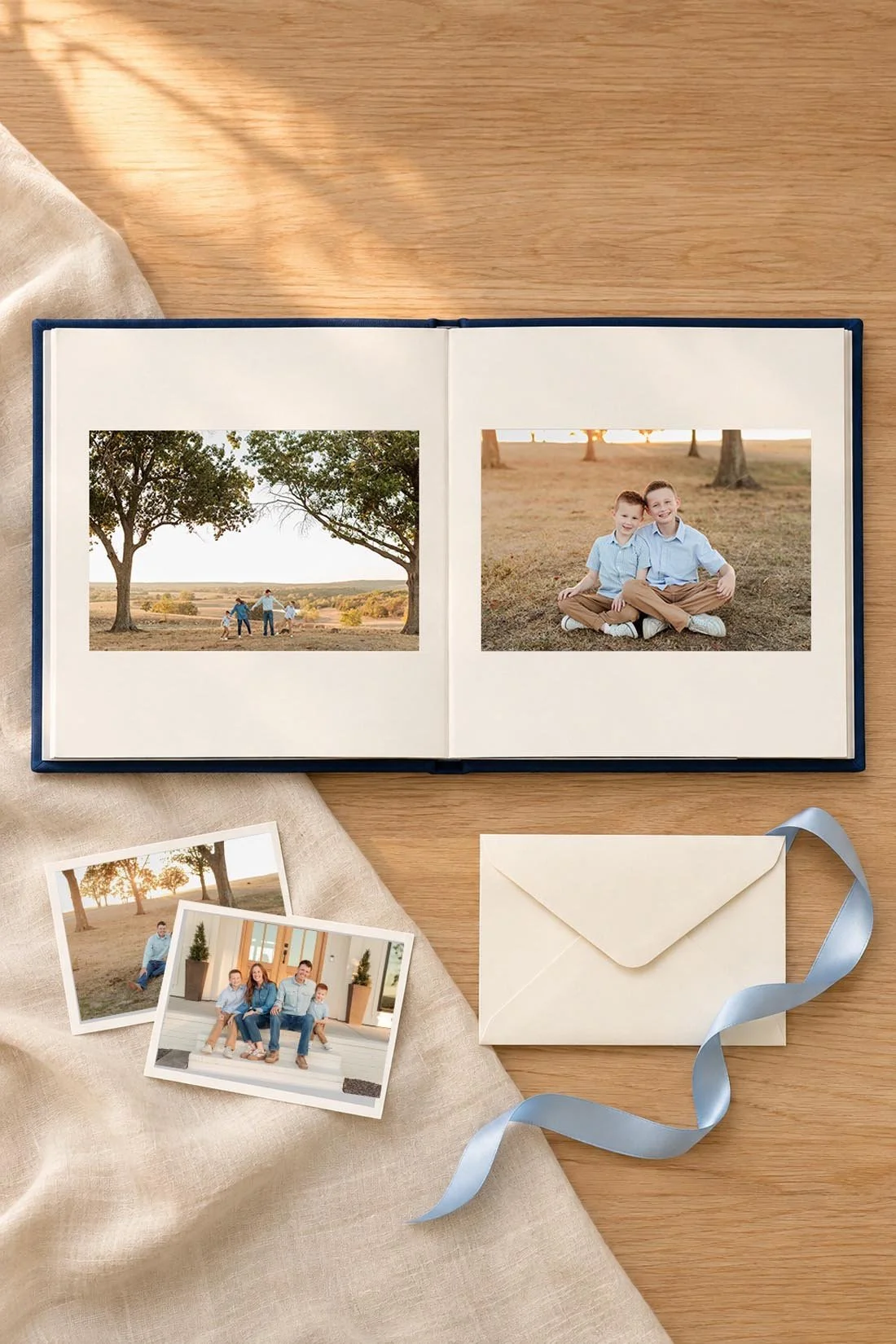
Choose the person and the story first
Before you open a book maker, finish this sentence: “This is a book for ___ about ___.”
“For Grandma about our year together” gives you a clear start. So does “For my best friend about our last year of high school.” A book can cover one afternoon, a whole year, or a hobby you've shared for ages.
Keep the title close to that idea. “Summer at the Lake,” “Senior Year,” and “Saturdays With Grandpa” all leave room for pictures and short notes. Use a title that fits the photos you have. A Christmas gift can hold summer pictures, too.
If relatives will help, ask each one for a few original files and the names or dates that go with them. Give them a date to send their picks. Choose one person to put the book together so everyone knows where to send things.
Photo book gift ideas for the people on your list
A year with the grandkids
For grandparents, gather photos of the kids with them, along with things they may enjoy seeing from the rest of the year. School events, a new pet, a birthday cake, and a visit to their house can each have a place.
Give a group photo enough room for every face. Add names beneath a picture when cousins or new family members may need an introduction. If small print is hard for the person to read, choose larger photos and captions you can check at the finished page size.
A book about one friendship
For a friend, choose a shared thread: your college apartment, game nights, a trip, or years on the same team. A photo of the takeout spread can belong beside the group picture. You both know why it made the book.
Use inside jokes when the person receiving the gift will know what they mean. Check before including photos someone might prefer to keep private. If several friends will get a copy, read the captions with each recipient in mind.
A senior-year book
For a high school senior, combine the parts of the year they want to keep. That might include friends, a sport, their job, school events, and senior portraits. Leave room for their own picks, even when you love a different picture.
If the year is still in progress, give the book a clear end point. “Senior Fall” can be a complete Christmas gift. A full senior-year book can wait until after graduation. Our senior-year time capsule ideas can help you think about the notes and small details you might keep alongside it. The title helps the gift feel finished at either stage.
A family place or tradition
A book about the garden, a family cabin, or Christmas baking can bring several years together. Group the pages by what happens there: arriving, cooking, playing, and sitting down together.
If you're making a book in memory of someone, ask the recipient whether they'd welcome that gift. Let them help choose the photos and wording if they'd like. Keep dates and family stories tied to details you can confirm.
Choose the book format before you fill the pages
Think about where the person will keep the book and how they'll use it. A smaller book can sit on a bedside table. A larger page gives group photos more room, but the book also needs a place to rest while someone reads it.
A square format works well with a mix of tall and wide pictures. A landscape book gives wide scenes room. A portrait book can suit lots of vertical pictures. Try a few layouts with your own files before you settle on the shape.
Check the binding, too. A layflat book opens with a flatter center spread. A traditional bound book curves into the middle, so keep faces and words clear of that fold. “Hardcover” describes the cover; it doesn't promise layflat pages.
For a current example, Artifact Uprising's Hardcover Photo Book details list square, portrait, and landscape sizes, including 8.5 × 8.5 inches. That book has traditional pages that do not lay flat. Check the exact product page and options before you begin, since a maker may offer several kinds of books.
Look at the base page count, added-page cost, paper, cover, shipping, and tax together. If you're giving several copies, compare the full order total. A sample copy may be useful when you have time to check it before ordering the rest.
Gather photos that support this gift
Make a separate album or folder for the book. Keep your original files in place and add copies or favorites to your working group.
Start with pictures you know the recipient will want to see. Then add photos that help explain the story: the place, the people, and a few details. For a family year, that could mean a group portrait, a child holding their birthday cake, and the garden everyone helped plant.
Use the original camera or gallery download when you have it. A screenshot may have fewer pixels than the original. For family portraits, use the delivered files within the photographer's print terms. Avoid adding filters over the finished edits.
As you narrow your picks, keep the gift's story in view. Each photo should help the recipient follow what the book is about. A picture can stay in your family album even when it doesn't fit this particular book.
Plan the page order with a small sample
A spread is the two pages you see when a book is open. Plan a few spreads before you fill the whole book. That lets you test how much room your photos and captions need.
For a book about a family visit, you could try this order:
- Open with the place and the date.
- Give a group photo a full page.
- Pair a shared activity with a closer detail.
- Give each person a turn in a few smaller groups.
- Finish with one last picture and a short note.
That is a sample story order, not a required page count. Your chosen book's minimum pages will shape the final plan.
Repeat two or three layouts so the book feels connected. You might use one large photo, two photos side by side, and a small group with a caption. Open space gives pictures room and can help the words read clearly.
For a family in Bolivar, MO, a book might move from a backyard birthday to a summer day around the 417, then end with fall family pictures. If time order feels awkward, use sections such as “At Home,” “With Friends,” and “Out Together.”
When the software fills pages for you, treat that as a first draft. Check which photo opens each section, who appears most often, and whether a picture has landed twice.
Add captions that keep the details
A caption can hold something the picture can't tell you on its own. A name, place, year, or short line about what happened may be enough.
Try these made-up examples as a starting point:
- “The first batch, before we found the bigger bowl.”
- “Lake weekend, July 2026.”
- “Three cousins and the cake they picked together.”
- “Your last fall home game.”
Use the details from your own photos when you write yours. If you include someone's exact words, confirm the wording. Ask a relative about a date you can't place. An honest “Summer 2022” works when the exact day is unknown.
Keep one clear font for most captions. Read it at the book's actual size, especially if you design on a large screen. A short note at the front can name who the book is for and who helped make it.
Check the print preview from cover to cover
Before ordering, read the book in preview mode in one sitting. Give it a second pass for pictures and a third for words.
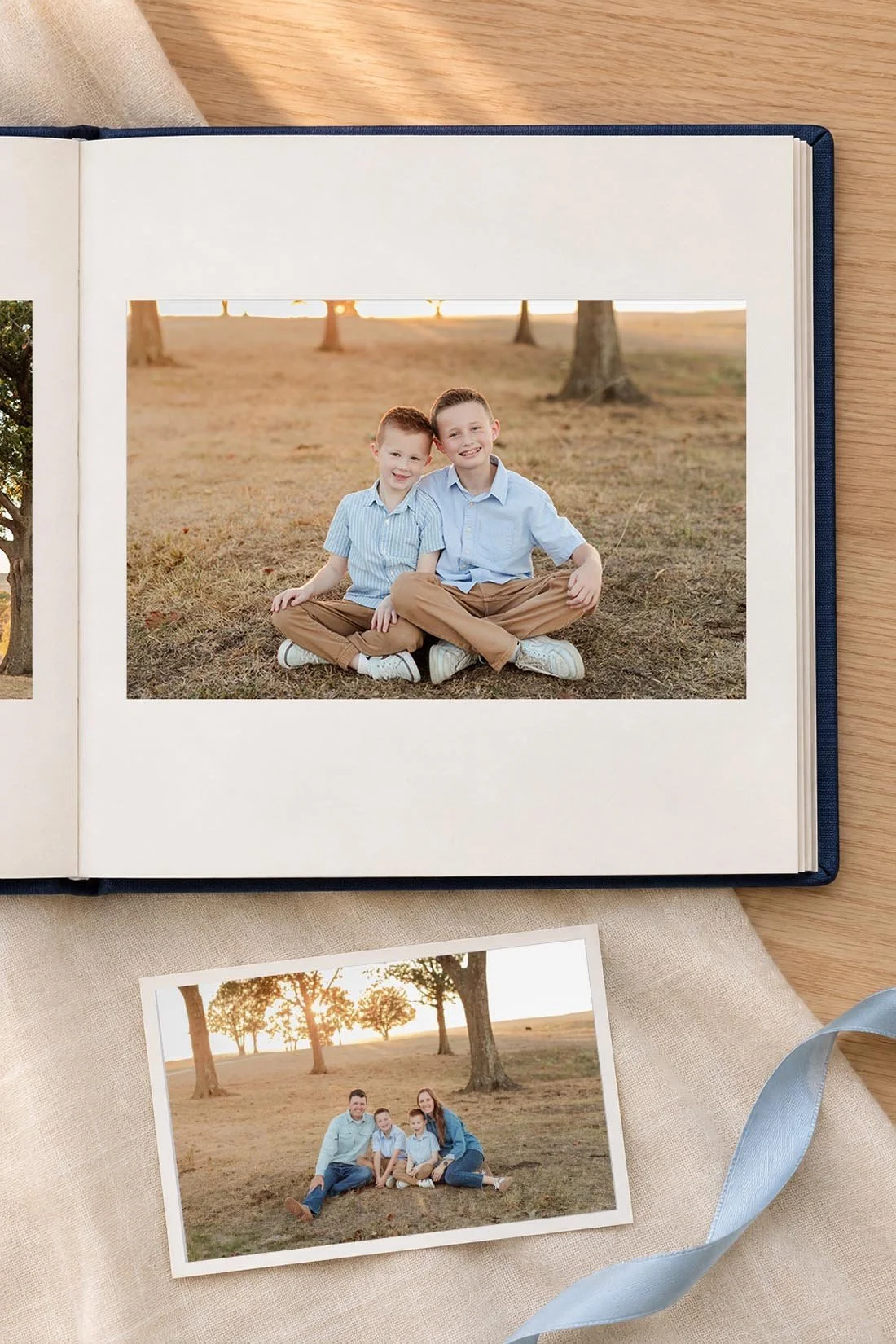
Check these details:
- Every photo box has the right picture.
- Faces, hands, and words sit clear of trim guides and the center fold.
- Names, dates, page order, and the cover title match.
- Captions stay beside the pictures they describe.
- No photo appears twice by mistake.
- Image-quality warnings are resolved.
Bleed is the part of an edge-to-edge image that extends past the final cut. Follow the book maker's own guides. Mixbook's bleed instructions explain keeping key details inside the safe area. A face close to the edge in your original may need a layout with a border.
If a picture triggers a quality warning, try its original file or give it a smaller space. Mixbook's low-resolution warning guide includes reducing the photo's size on the page. Enlarging a small file doesn't restore missing detail.
If you change the book size, check every crop again. Ask another person to read the final preview, too. They may catch a swapped month or a name your eyes have passed over three times.
Order with time to inspect the gift
Use the delivery estimate for your exact book and address when you check out. Production time and shipping time are separate. Holiday cutoffs, weather, and order changes can affect arrival, so leave room to inspect the book and solve a problem before the gift date.
When it arrives, check the cover, binding, page order, print, and packaging. Keep the order number and project saved until you've checked it. If something is wrong, take photos and contact the maker through its current support process.
For mailing, protect the corners and use a snug outer box. Keep ribbon loose around the book or tie it around its gift box. Add a note with the year and your name. Then the book is ready for someone to open and start turning pages.