Photo puzzle gifts start with a picture the person would enjoy putting together. Choose a photo with clear details, then check the puzzle's piece size, finished size, and preview before you order.
A bright shirt, a row of windows, or flowers along a path can give you places to start sorting. The photo can hold a favorite person or place and give the puzzler plenty to look at along the way. That is a fun gift to open on a winter afternoon.
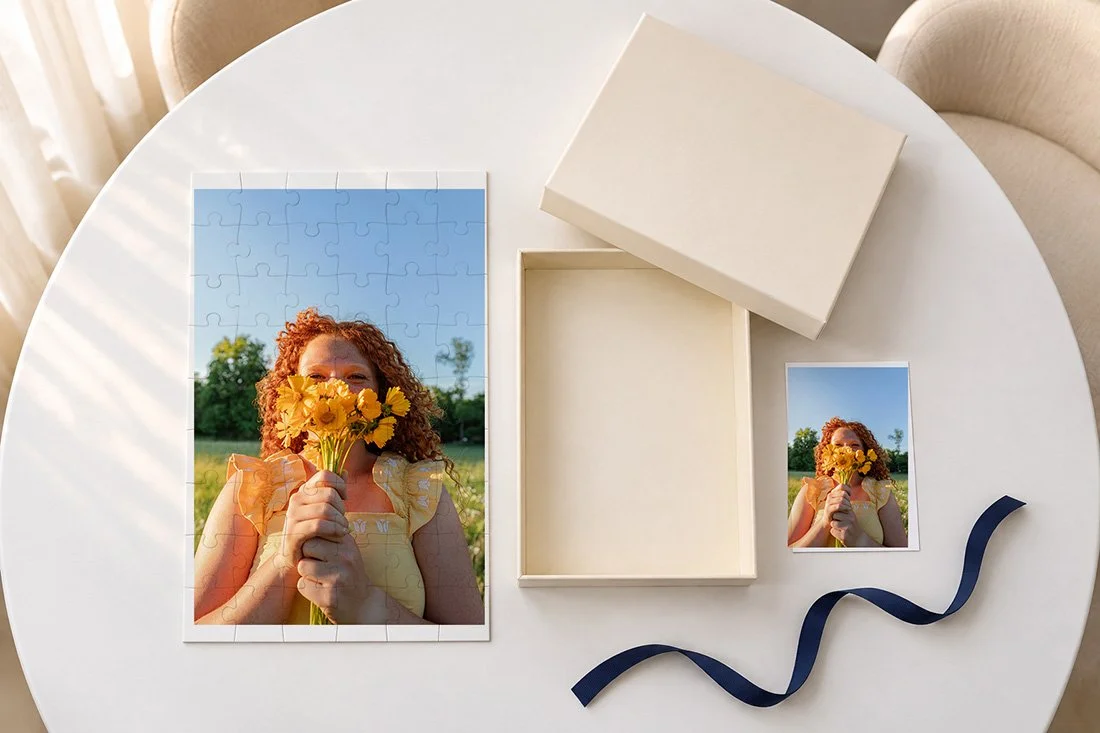
Choose photo puzzle gifts around the person
Think about the puzzles they already choose. Do they like a small one they can finish over a visit? Do they leave a larger puzzle on a table and work on it through the week? Their usual habits give you a place to start.
If you can, ask what piece count they enjoy. You can ask without giving away the photo. A quick look at the side of a puzzle box they own may help, too. Check both the count and the finished size. A big box does not tell you how much table space the puzzle needs.
For a friend who likes to work with others, choose a photo with several clear areas to sort. One person might start with a red jacket while someone else works on the trees. For someone who likes to puzzle alone, think about the kind of picture they keep choosing for themselves.
A puzzle gift can come from a recent family picture, a pet photo, or a view from a trip. For a senior, it might be a portrait with their guitar or a photo from a place they love. Keep the choice tied to what you know about them. A personal picture gives you plenty to work with before you add a title or a collage.
Look for details across the whole photo
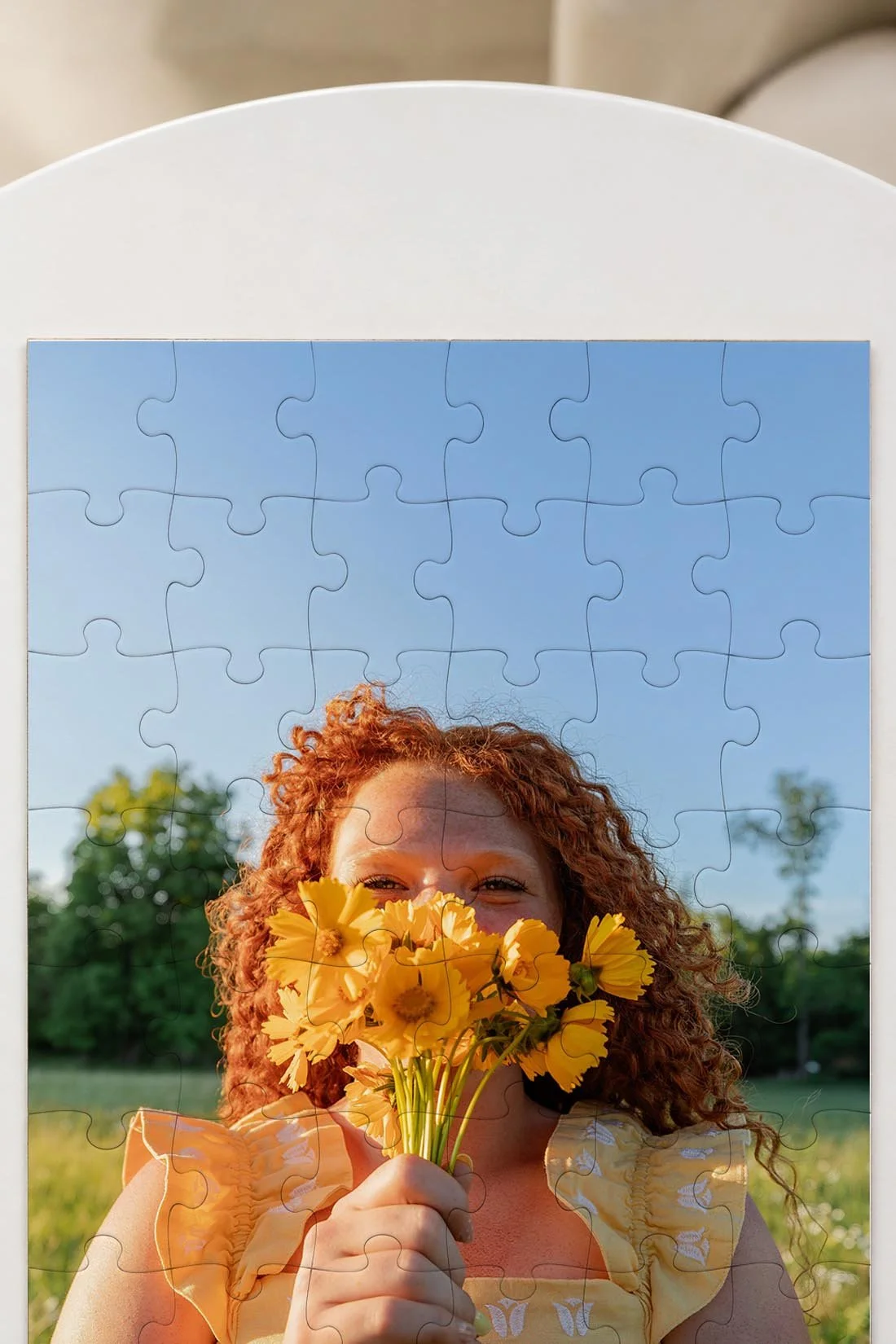
Open a few possible photos side by side. Look past the main subject and check the rest of the frame. Look for changes in color, lines, and objects that help you tell one part from another.
A photo with a green lawn, a brick wall, and a blue shirt gives you several kinds of clues. A large patch of plain sky gives you a lot of pieces with similar color. Either can suit the person receiving it. Choose the amount of repeated color they enjoy working through.
Ravensburger's guide to puzzle difficulty explains how the image, piece size, and cut all affect the challenge. Treat the photo choice as part of that decision. A higher piece count is one detail among several.
For a portrait, look at the clothes, hair, and background as well as the face. Yellow flowers and a blue sky create different areas to sort. A striped shirt adds lines you can follow. Keep the original photo's colors and edit when you send it to print.
For a group photo, check each face at the size it appears in the order preview. People standing far away may look small on the finished puzzle. If seeing their faces is the main reason you chose it, a closer group photo may fit your idea.
Match the piece count and size to their habits
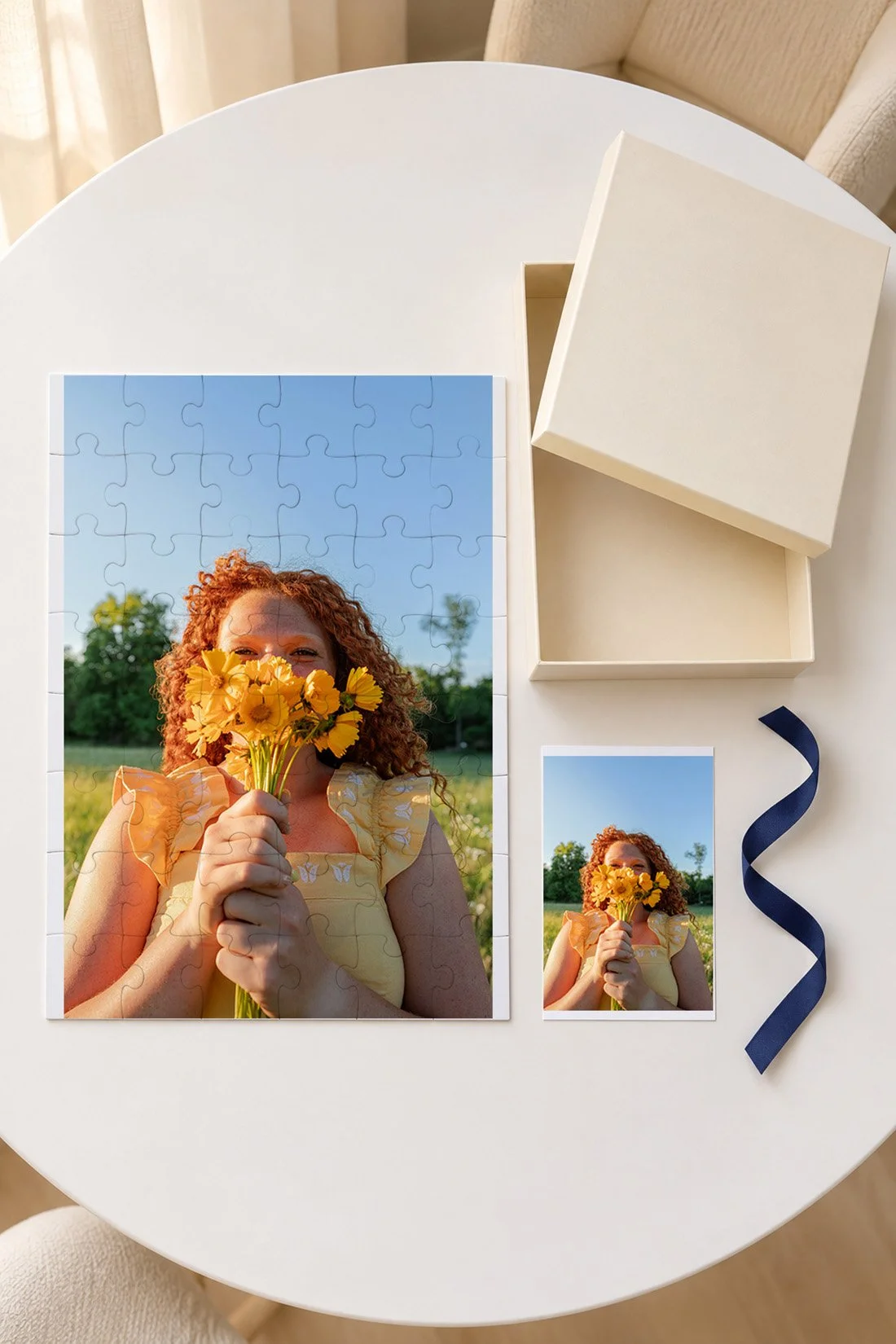
Piece count tells you how many pieces come in the puzzle. Piece size tells you how much each piece has to hold and show. Finished size tells you how much room the whole picture takes on the table. Look for all three in the product details.
Two puzzles with the same finished size can have different piece counts. When the same area holds more pieces, each piece has less of the picture on it. A person's face may span several pieces. A flower or a stripe may become a small clue on one piece.
If someone likes larger pieces, look for a product that gives the actual piece size or clearly calls it out. A lower count alone does not promise large pieces. For someone who likes a longer project, look at the photo's repeated areas along with the count. A plain background can add a lot of sorting.
For a child, check the exact puzzle's age label and warnings before ordering. Choose with the child's parent or caregiver. Custom puzzles vary, so a general chart based only on piece count cannot settle that choice. Keep the product's packaging and directions with the gift.
For an adult, ask about their preferences without guessing from their age. Someone may want larger pieces, a smaller finished puzzle, or a detailed project that takes several days. Those are separate choices. You can ask which one they care about most.
Check the space where the puzzle will go
Measure the full area the puzzle needs. Then allow room around it for loose pieces and sorting. The finished dimensions on the product page cover the assembled picture. They may leave you with more planning to do for the rest of the table.
For someone who uses the dining table each day, ask whether they have a board or other setup they like. If you plan to add one to the gift, check its usable inside area against the puzzle dimensions. A raised rim takes up room. The outside size alone may not show what fits.
You can test the footprint with a sheet of paper cut to the finished size. Place it on the table where the person plans to work. Add a few small dishes beside it to stand in for sorting space. This can help you choose between two sizes before ordering.
If the gift is for shared visits in Bolivar, MO, think about where everyone can sit. A narrow side table may suit one person. A larger table gives more people a place to reach the pieces. Choose around the way the gift will be used.
Use the original photo file
Start with the original image download when you have it. A screenshot or a copy saved from a message may have fewer pixels. Pixels are the tiny dots that make up a digital photo. The printer needs enough of them for the size you choose.
Check the maker's current file rules for that exact product. Read its accepted file type and image-size guidance. Follow the upload tool's quality check. If it asks for a larger file, go back to the original download or try a smaller puzzle option.
Ravensburger's custom photo puzzle FAQ gives its own upload and crop rules. Other shops may use different rules. Keep the guidance for the product you are ordering open while you prepare the photo.
If you have a printed photo from years ago, scan a copy and keep the original apart from the project. Ask the printer what scan size it needs. Check the scan for dust, missing edges, and color before uploading it. A scan can keep a worn corner in the picture if that is what you want to preserve.
For professional photos, check your print-use terms. Ravensburger's photo puzzle terms require the right to use the image. If your gallery's terms leave you unsure, ask the photographer about this use before placing the order.
Review the crop before checkout
Choose the puzzle shape and direction first. Then place the photo inside its preview. A portrait photo and a wide puzzle may need a different crop. If you want the full frame, look for a product shape that fits it.
Look closely at every edge. Check the top of each head, hands near the side, and any object you want to keep in view. Give those details room within the maker's marked print area. Review any trim or safe-area notes in the editor.
If you add text, check the words at the largest preview size. Read the names and date one at a time. Then look at the whole picture again. A short line can fit on the box or a separate card when you want more room for the photo itself.
Before checkout, check that the preview still uses the version you chose. Some editors offer filters or other changes. Review those settings along with the crop. Save a copy of your final order preview and the product details so you can check them when the gift arrives.
Add a picture to use as a guide
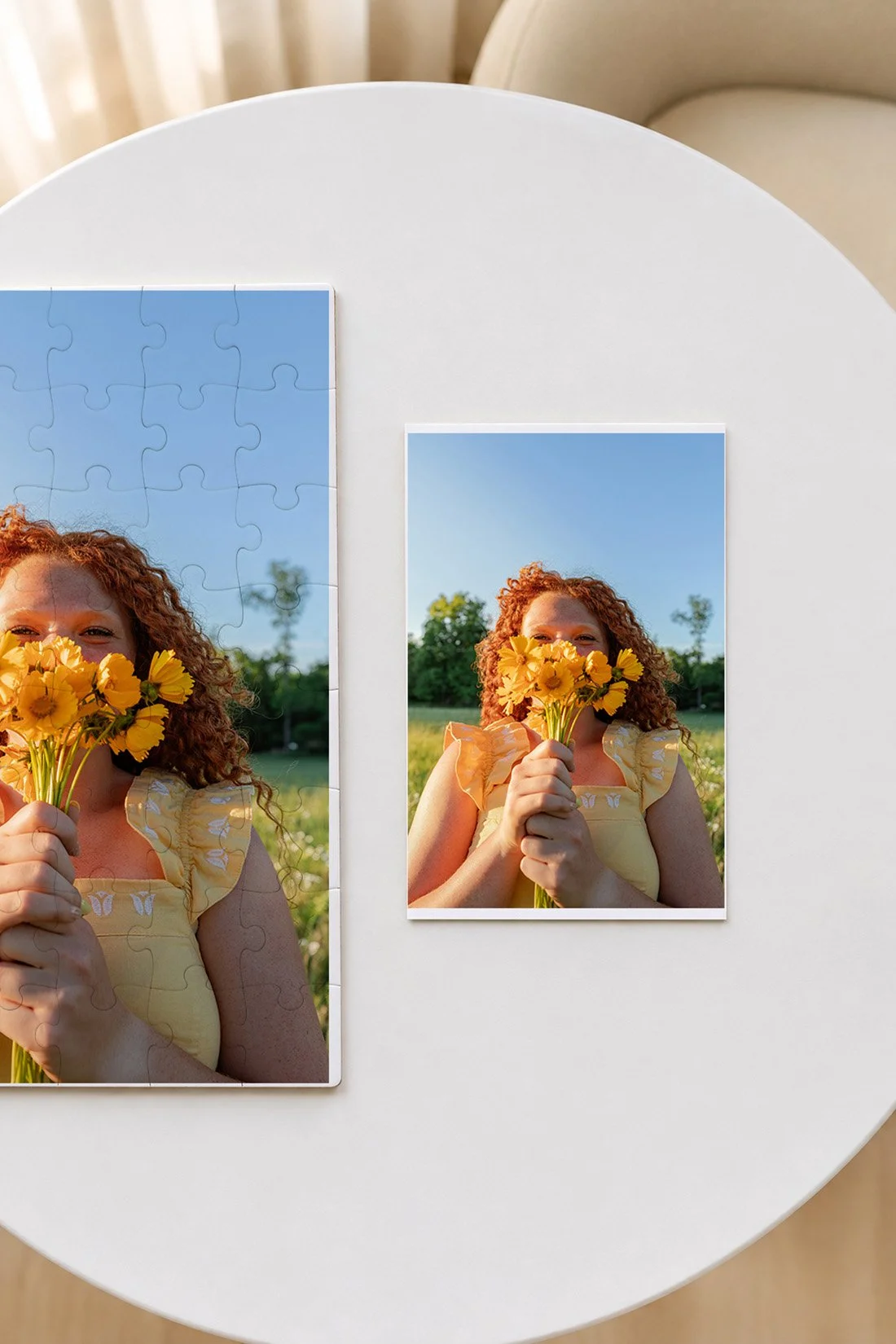
Check what comes with the puzzle. Some products show the full picture on the box. Others may include a separate print. Read the product description so you know what the person can use as a guide while they work.
If you add your own reference print, use the same photo and crop as the puzzle. Make it large enough to see the details. A picture that leaves out the edge of the puzzle can make it harder to match that area.
For a surprise photo, you can put the guide print in an envelope. Let the person decide when to open it. Someone who likes to see the whole picture can set it beside them from the start. Someone who enjoys discovering it piece by piece can keep it closed for a while.
A short note can tell them why you chose the picture. Use a real detail you share: the dog's spot by the window, a trip you took, or a shirt they wore all summer. Write what you know. The note can stay small enough to tuck beside the box.
Pack the gift and plan the handoff
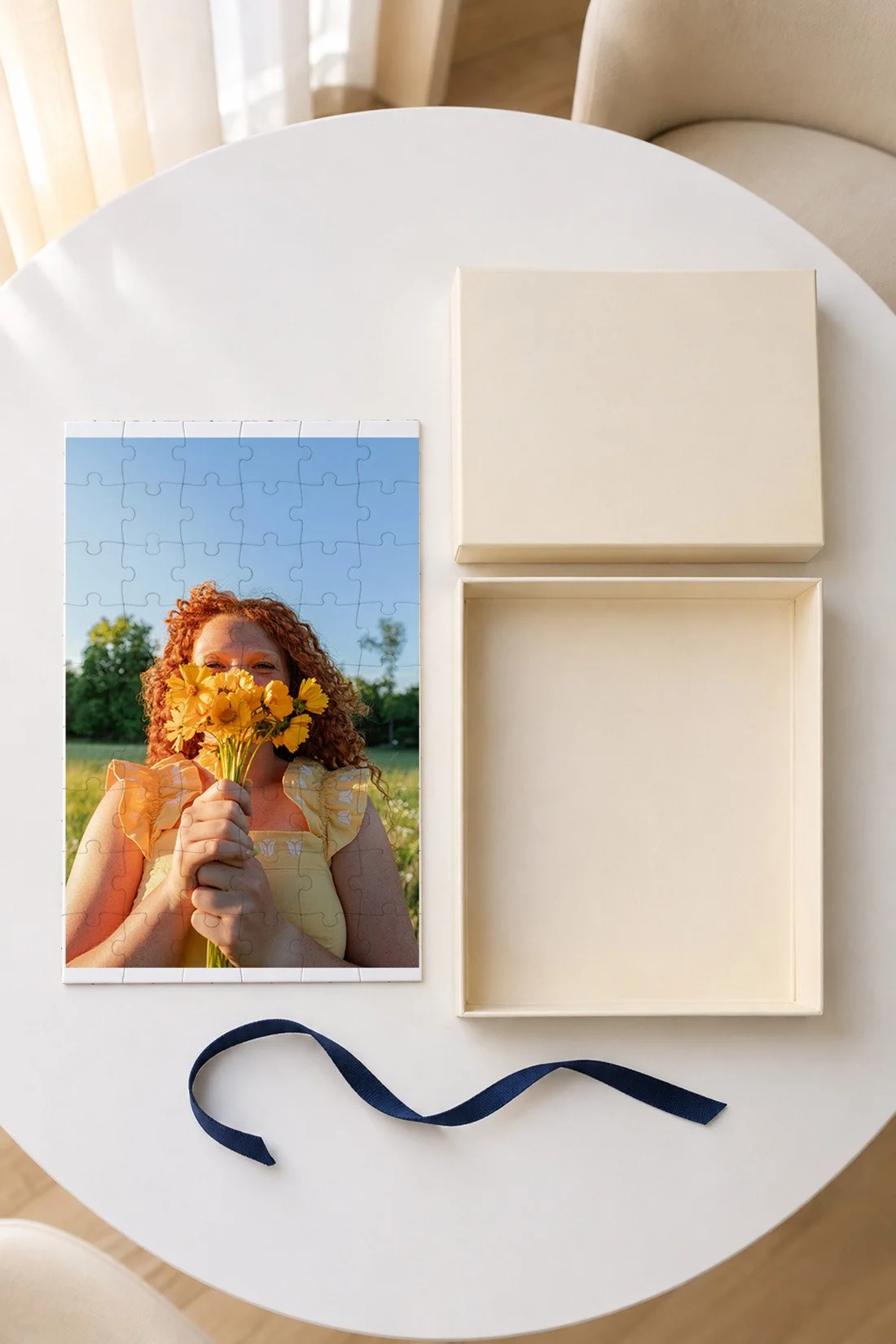
When the order arrives, compare the printed picture with your saved preview. Check the crop, any text, and the condition of the package. For an issue, follow the maker's current help or return process. Custom-order policies vary, so read them before buying as well.
Keep the puzzle's original inner packaging, labels, and directions together. If you add a gift bag or wrap, keep the box inside it. Put the reference print and note where they can be found when the gift opens.
For a holiday order, check both production time and shipping at checkout. Use the delivery estimate for your address. If you plan to bring the gift to another home in the 417, include that travel day in your plan. The date on the calendar needs room for the order to arrive and for you to check it.
If you plan to work on it together, add a real invitation to the card. “Bring this when you come over on Saturday” gives the gift a next outing, if that is your plan. For more shared activities, you can look through these hands-on hobbies for senior year.
Questions about photo puzzle gifts
What kind of photo works for a puzzle?
A clear photo with several colors or distinct areas gives you clues to sort. Think about how much repeated sky, grass, or plain background the person likes. Use the original file and check its crop in the product's editor.
How many pieces should a photo puzzle have?
Start with the person's usual puzzle choices. Check the piece size and finished dimensions along with the count. The image itself affects the challenge, too. For children, follow the exact product's age label and warnings with their parent or caregiver.
Can I use a vertical photo?
Yes, if the product supports the direction and crop you want. Turn the puzzle layout in the editor when that option exists. If the preview cuts off a detail you want, choose another layout, size, or photo.
Should I use one photo or a collage?
One photo gives the whole puzzle a single scene. A collage gives you separate areas to sort, though each picture has less room. Check every face and each crop at the final preview size before choosing.
Do I need to build the puzzle before giving it?
You can give it in the maker's packaging with the pieces ready for the person to assemble. Check the contents against the product description and follow any inspection steps from the maker. Keep its labels and guide picture with it.
You might also like
Senior-year time capsule ideas
Ways to spend time with your teens