

You have a senior photo picked out, and now you need a caption. These Senior Sunday captions and photo ideas give you a place to start, from your first fall post to the Sunday before graduation.
I’d start with the photo and choose a line that fits what happened that week. You’ll find 48 captions below, including Gen Z captions and fill-in-the-blank ideas, plus 12 ideas for portraits, friend photos, and senior-year photo dumps. Use a line as it is, or add a detail that makes it yours.
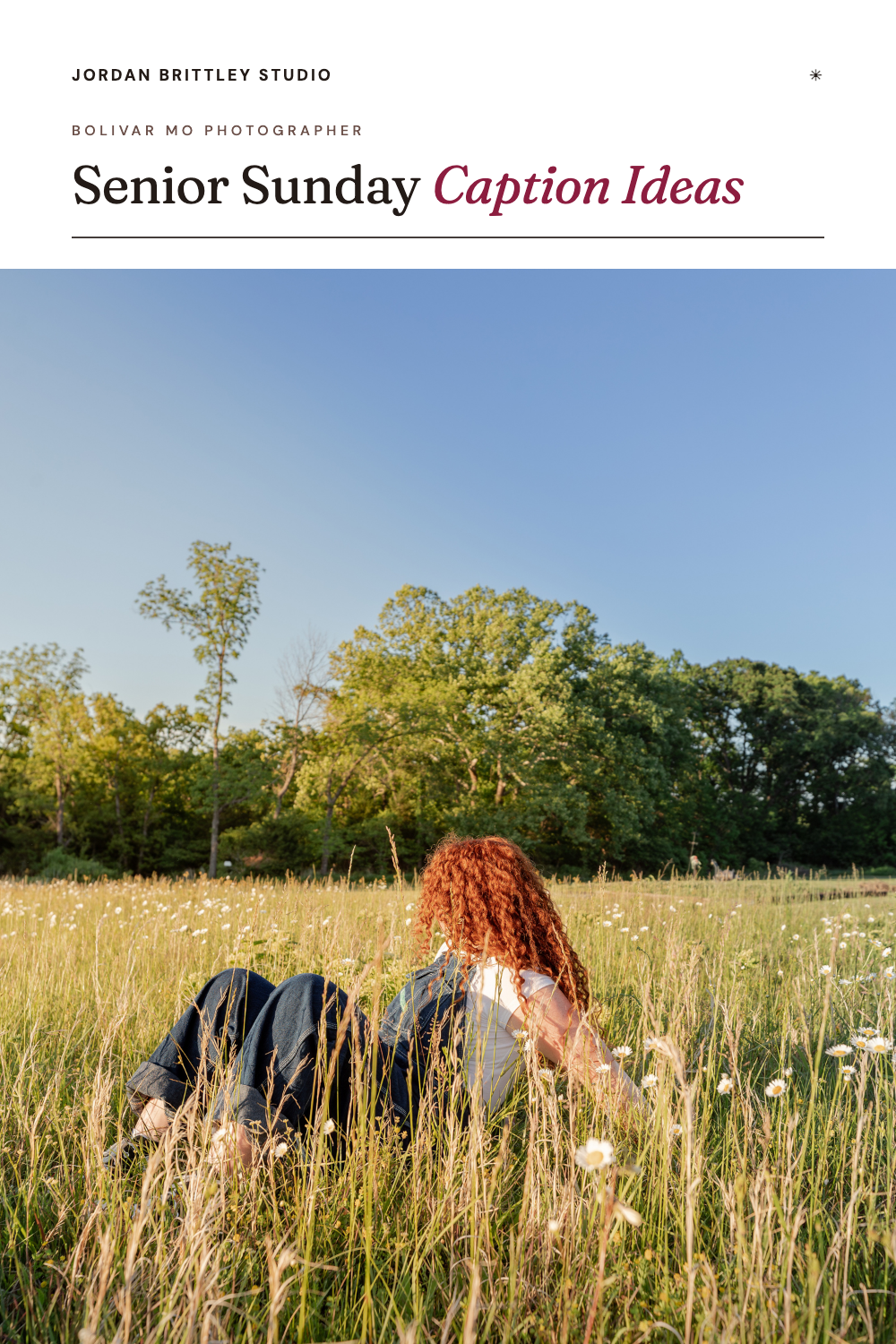
What is Senior Sunday?
Senior Sunday is a social media tradition where students share photos from their senior year on Sundays. Posts might show senior portraits, a school event, time with friends, or a small part of the week. Parents join in, too, with photos of their seniors and a few words about this stage of life.
On Instagram, the idea can be as small as one photo and one line. Some students use #SeniorSunday. Others write about the moment and leave it there.
Short Senior Sunday captions
For a portrait you want to keep the focus on, a few words can be enough. These also work for a single photo between longer photo dumps.
senior sunday privileges
this felt like a sunday post
senior status confirmed
same me, senior edition
letting these out of the camera roll
consider this my weekly senior update
senior year has entered the chat
another sunday, another excuse to post
Funny Senior Sunday captions
Use these with a playful portrait, an outtake, or a photo your friends helped you take. Pick a joke you would say out loud.
graduation pending. outfit approved.
senior pictures done. homework unclear.
my mom has already printed these
this counts as being productive
available for pictures. unavailable for homework.
posting before i change my mind
dressed like i finished my assignments
the diploma is still processing
yes, there are more photos coming
Senior Sunday captions for friends and activities
These fit best-friend portraits and the photos you take between plans. Ask your friends which photo they like before you share it.
the group chat made it to senior year
senior year featuring my favorite people
one more season wearing ________
my favorite part of high school: ________
requesting more time with this team
we need to recreate this picture in ten years
the people i look for in every hallway
same friends, new senior sunday post
Fill-in-the-blank Senior Sunday captions
Add your go-to snack, a school memory, your next plan, or an inside joke your friends will know.
in my ________ era
senior year sponsored by ________
currently majoring in ________
________ is carrying my senior year
my senior year plot twist: ________
came for the diploma, stayed for ________
mentally at ________
leaving behind ________, taking ________ with me
my entire personality until graduation: ________
if you need me, check ________
most likely to ________
putting “survived ________” on my résumé
senior year side quest: ________
my camera roll is mostly ________
emotionally attached to ________
For “in my ________ era,” try last firsts, college hoodie, taking too many pictures, or making it to friday. Fill in the blank with what fits your year.
A little sentimental: Senior Sunday captions
For the photos you already know you’ll want to look back on.
trying to take more pictures with my people
already know i’ll miss the little things
someone remind me to enjoy this part
saving these for when i miss it here
still making memories with my day ones
a few more sundays as a senior
going to miss having everyone in one place
taking the long way to class with these people
12 Senior Sunday photo ideas for Instagram
For your next post, choose a moment you want to keep. You can mix phone photos from the week with favorites from your senior portrait gallery.
1. Your first Senior Sunday portrait
Start with one portrait where you can see your face clearly. Add your class year or the month you’re starting. This gives you a first post to look back at when graduation gets close.
2. A senior-year photo dump
Pick a few photos from the same week: a friend photo, your school bag, a snack stop, and a portrait. Put your favorite first. The caption “letting these out of the camera roll” fits a mix of photos from your week.
3. An outfit and its details
Pair a full outfit photo with a closer shot of your shoes, a ring, or a jacket patch. Choose details you wear now. You might want to remember those as much as the outfit. Our senior picture outfit ideas can help you plan clothes for your portrait session, too.
4. Friday-night school photos
Share a photo from the stands, a school event, or time with friends after the game. Add what happened that night. This works for students in the crowd as well as those on the team.
5. A best-friend photo
Take a photo together at a spot you both know. To get both of you in the frame, set the phone on a steady surface and use a timer. Apple’s guide explains how to set an iPhone camera timer.
6. A then-and-now pair
Choose an old school photo and take a new one with a similar pose. A backpack photo or a picture with a sibling gives you a clear starting point. Let the caption name one thing you remember from the earlier photo.
7. A photo with your pet
Sit near your pet and have someone take a few photos while you spend time together. A dog looking away or a cat leaving the frame can still be part of the post. Keep the photo that makes you smile.
8. Your after-school stop
Take a photo during a snack run, a walk, or a visit to a place you see each week. For seniors around Bolivar and the 417, that might mean a stop near the Square with friends. Name the part of the routine you want to remember.
9. A hobby from this year
Include the book you’re reading, the instrument you play, or the project on your desk. Put yourself in one photo and the detail in another. A line about what you’re making or learning adds context.
10. A hometown photo
Choose a place that belongs in your version of senior year. It might be a park, a familiar storefront, or a spot near home. Keep the caption about your connection to it.
11. Behind the scenes and the finished portrait
If you have a phone photo from your senior session, pair it with the finished portrait from that moment. The two photos show a different part of the same day. When you share professional photos, follow your photographer’s sharing terms and use the files they provide.
12. Your last Senior Sunday photo
Near graduation, return to the place where you took your first post. You could wear your cap and gown or take one more photo with the same friends. Save this idea now so you can come back to it in spring.
How to make your caption sound like you
Start with one line from the list. Then add one detail that only fits your photo: who was there, where you went, or why you saved it. Read the caption out loud before you post.
Keep the detail true.
If you’re also working on your yearbook words, use our tips for writing your own senior quote.
You can also add alt text, a short description of the photo, for people who use screen readers. Texas Tech’s guide to accessible social posts explains how image descriptions help readers follow along. Describe who or what is in the picture and the part that matters to the post.
Senior Sunday questions
When should you start Senior Sunday posts?
Start when you have a senior-year photo you want to share. The first Sunday of school, your first portrait session, and a weekend in September or October all give you a place to begin. You can join partway through the year.
Do you have to post every Sunday?
No. Share when you have a photo you want to keep on your feed. A few posts across the year can still show the people and moments that matter to you.
Do Senior Sunday photos have to be professional?
No. You can share phone photos, senior portraits, or a mix of both. Your portrait gallery gives you session photos to choose from. Your phone can hold the events and everyday moments between sessions.
What should you write with a senior picture?
Write a short line about the photo, your senior year, or the people with you. A class year can be enough. If you want a longer caption, add a memory that explains why you chose this picture.
Can the class of 2027 use these captions?
Yes. The captions fit the 2026–2027 school year, and you can change the class year for a later year. Fill in the blanks with your own plans, school memories, or inside jokes.
For a portrait session that gives you photos to share through the year, you can explore senior photography in Bolivar, MO. Bring the clothes and details you want to remember from this year.
For this Sunday, start with one photo you’re glad you took.
