

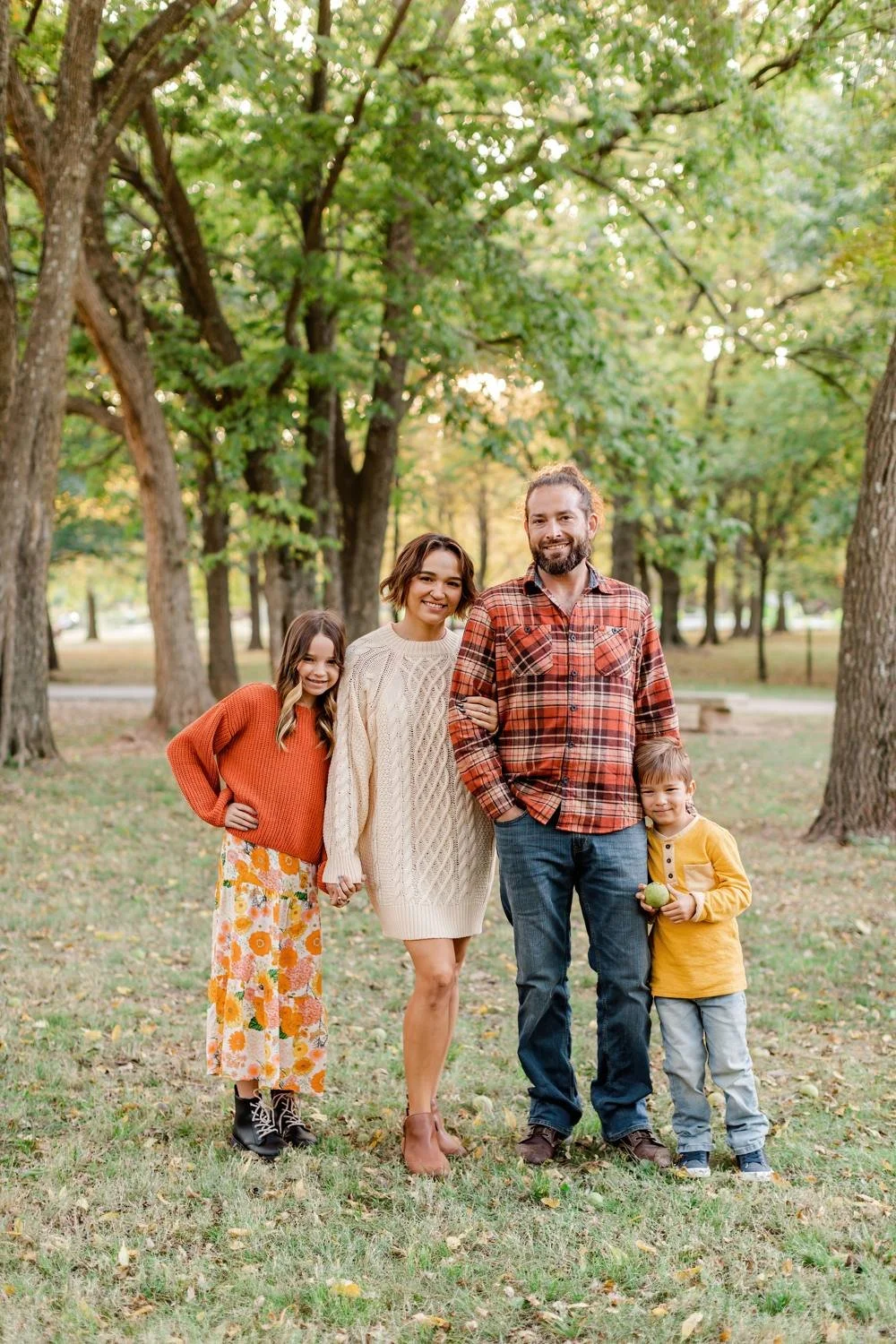
A fall family photo can have a very good second outing on your Christmas card. The sweaters, the trees, the kids laughing at something just outside the frame. Add your names and a note, and you’ve got a card to send.
For Christmas cards you want to mail in early December, September or October gives you a place to start when choosing a photo date. Your gallery delivery time and card order estimate will help you pick the date that fits. I’d leave room for looking through the gallery more than once, too. Choosing can take a minute.
Start with your mailing day
Pick the day you’d like to put the cards in the mail. Check where they’re going, too. A card going overseas may need a different plan from one going across town.
Check this year’s holiday mailing dates for the service and destination you’ll use. Work back from when you’d like the cards to arrive.
You can work on the address list while you wait for your photos. Check names, new addresses, and how many cards you’ll need. That part can be ready before anyone has picked a sweater.
Leave time for the card order to reach you
Check printing time and shipping time for the card you choose. Paper, design options, and delivery method can all affect the estimate.
Shutterfly’s Christmas card guidance recommends ordering early to leave time for printing, delivery, and addressing envelopes. Check the estimate for the cards and shipping method you choose.
If the cards come to you first, allow time to check them, write notes, address the envelopes, and add postage. If the company mails them for you, check its address-file rules and mailing estimate.
Plan time to choose your photo and proof the card
Look at the card layout while you choose the photo. A tall portrait and a wide family photo can crop quite differently. Check every face and hand near the edge.
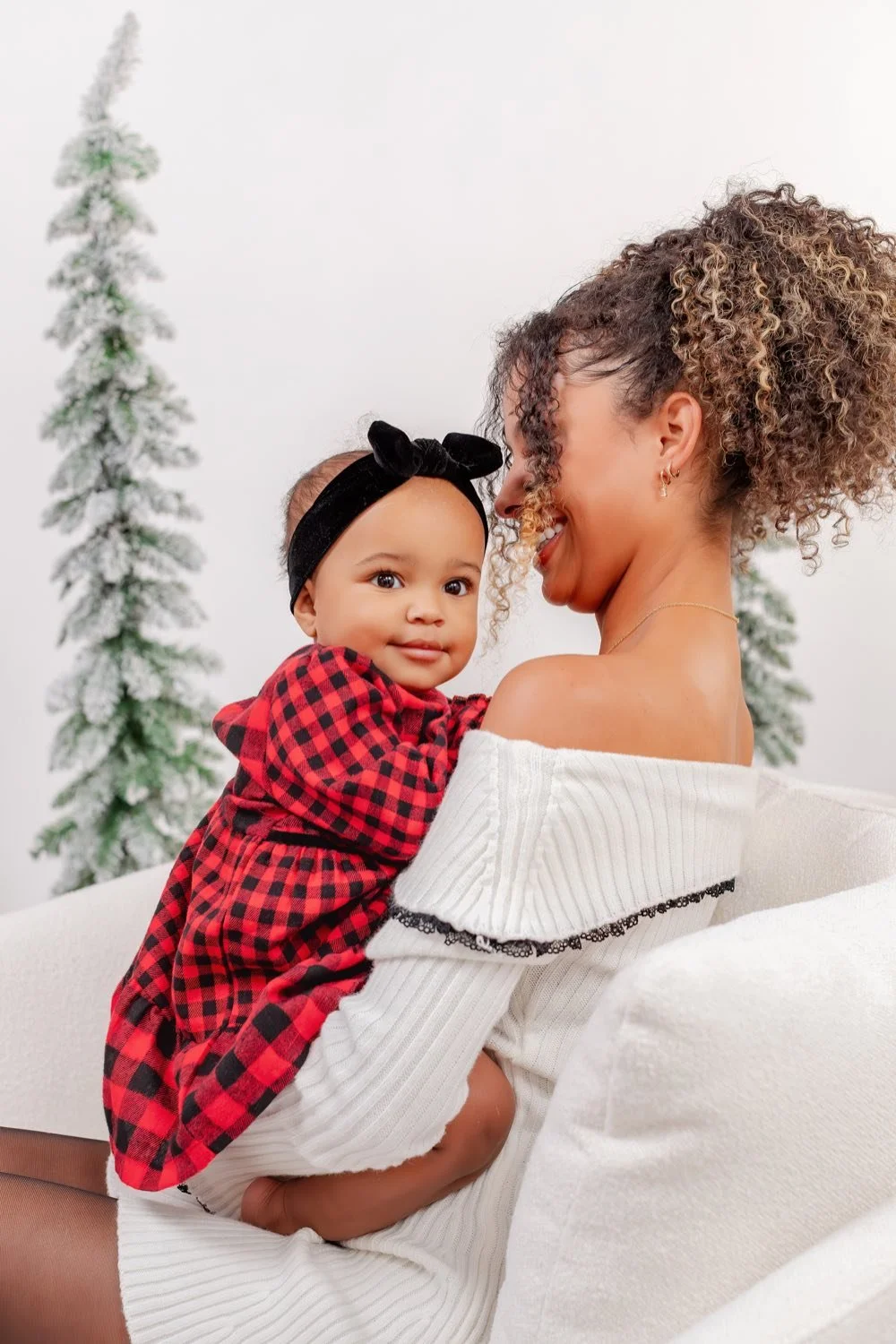
If you already love a design, share it before your session. If the words sit over the photo, we’ll want space for them beside or above your family. A design with a separate text panel gives you a different layout to work with.
VistaPrint’s Christmas card photo guide also recommends leaving time for editing, printing, and mailing. Give yourself some time with the preview, too.
Read the names, year, message, and return address before ordering. Zoom in on the small text. If someone else is helping, pick a time to look at the final card together.
Use the confirmed gallery delivery time
Ask when your finished gallery will be ready for the session you’re booking. Confirm whether the estimate uses calendar days or business days, when that time starts, and which files your package includes.
Your card order starts after the finished photo is ready to download. Use that delivery date in your plan, and allow time to choose the photo before you order.
For a local session, start with our family photo session details for Bolivar. Tell us when you want to mail your cards while choosing a date.
Choose a photo date that fits the full timeline
September or October can give an early-December card plan more room. Outdoor photos can include the fall season, and an indoor day offers another look. Our guide to an indoor studio photo session shows you that option.
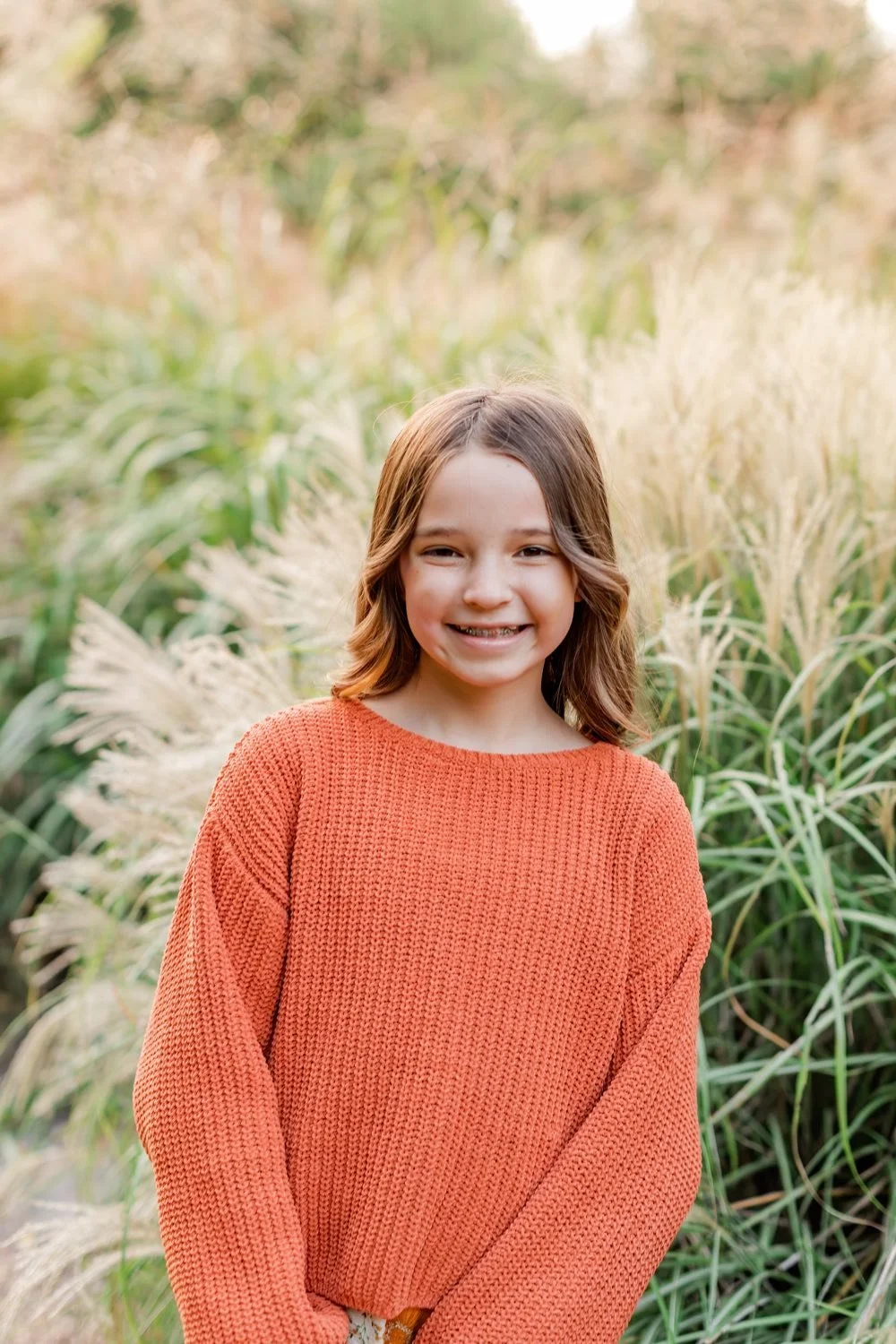
For an outdoor date, ask which weather options apply to your booking. Leave room for a change if your timeline allows it.
Choose clothes you want to see in the photo. Plaid, denim, a floral dress, or a rust sweater can all belong on a Christmas card. The card design can bring the holiday part (the whole family can keep their favorite clothes).
Build your own backward plan
Start with your mailing date and work back through these steps:
- Set a date to have the cards at home, with time to write notes and address envelopes.
- Use the printer’s production and shipping estimate to find your order date.
- Leave time before that date to choose a photo and check the card design.
- Use the confirmed gallery delivery time to work back to your photo session.
- Allow extra time if your outdoor weather plan may mean changing the session date.
For an early-December mailing date, you might want the cards at home in November. The printer’s estimate and your gallery delivery time will tell you how far back to place the session. Check those times before booking.
If November is your only photo option, check the whole timeline before booking. A photo you already have, a digital card, or a New Year card can give you another way to share an update.
Once your session is set, our getting-ready guide for family photo day can help with clothes, snacks, and getting everyone out the door.
You might also like
See a family portrait session in Bolivar
Explore photo sessions for little ones
